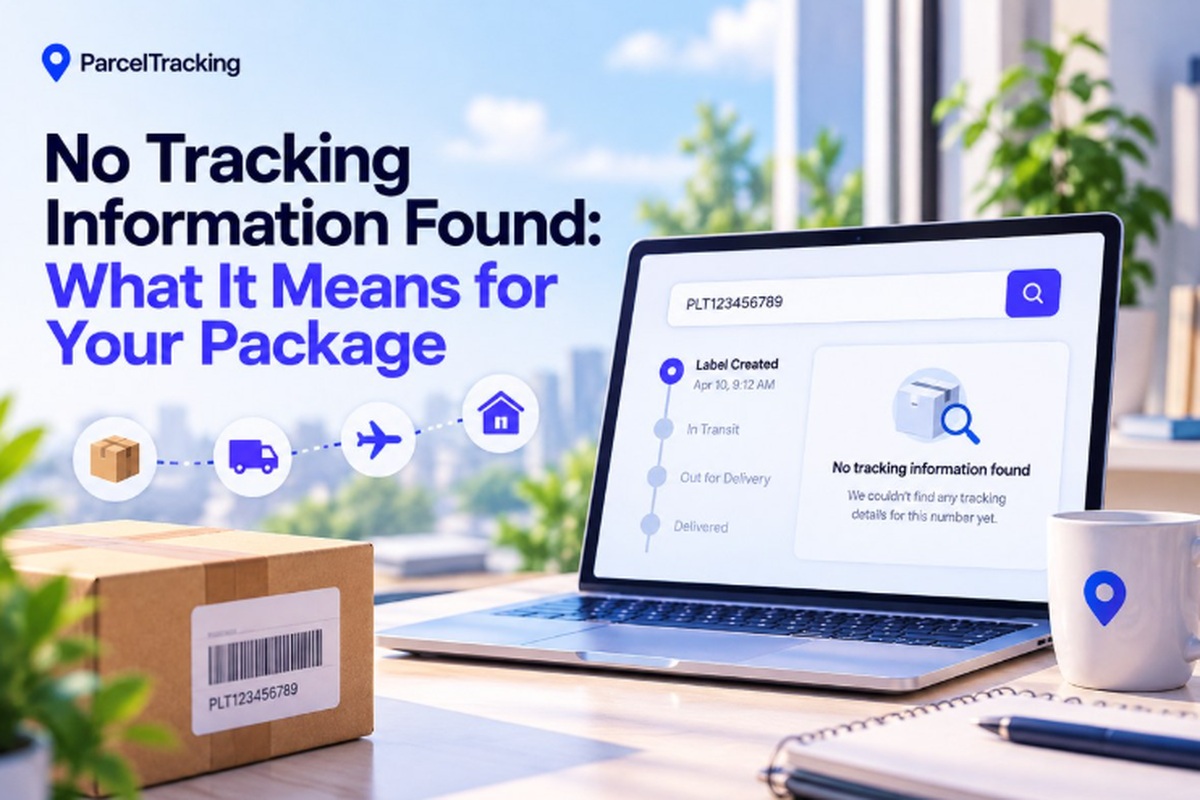
Seeing a no tracking information found message after pasting your number can be seriously annoying. You just want to know where your package is, but the tracker shows absolutely nothing. That does not automatically mean your package is lost or the tracking number is invalid.
Sometimes, the carrier has not received the shipment data or recorded its first scan yet. Still, missing updates can leave you wondering where your money went or whether the seller shipped. Give this guide two minutes, and you’ll know whether it is normal or needs action.
We’ll help you check the number, understand the scan, and figure out what deserves attention. First, here’s what that message actually means for your package and its tracking history right now.
What “No Tracking Information Found” Actually Means?
No tracking information found means the carrier’s tracking system has no recorded scan for your package yet, not that it is lost.
Every tracking number becomes visible once a physical scan event is logged by the carrier. That first scan can appear within minutes or several days after creating the shipping label. During this gap, carriers may display statuses such as “Pre-Shipment Info Sent”, showing that shipment details exist before physical movement is recorded.
The confusing part is that this same message can come from two completely different causes, which we’ll separate next.
Why No Tracking Information Appears: Two Causes
When no tracking information appears, the cause is usually one of two common tracking problems.
Problem 1: The Number Is Valid but Hasn’t Been Scanned Yet
The tracking number is valid, but the carrier has not recorded its first physical scan yet.
What is happening:
- The seller creates the shipping label before physically handing the package to the carrier for collection.
- The carrier receives electronic shipment details, but no physical scan has been recorded against the package yet.
- Tracking may show “Information Received” or “Pre-Shipment Info Sent” while the package remains with the seller.
Confused by the wording? Check these tracking status meanings to see what the carrier’s message actually indicates.
Signs this is probably your situation:
- The shipping label was created today, so the carrier may simply have not scanned your package yet.
- The seller recently confirmed shipment, but the carrier has not recorded physical movement inside its tracking system.
- The tracker shows “Information Received” instead of an error, meaning shipment details already exist.
Problem 2: The Number Is Actually Invalid or Mistyped
The tracking number contains an error, so the carrier cannot recognize or match it correctly.
What can cause the problem:
- Copying from an email can accidentally include spaces, punctuation, or extra characters that belong outside the tracking code.
- Shoppers sometimes enter their order number instead of the separate tracking number provided after dispatch.
- Different carriers use specific character counts and formats, so unexpected letters or numbers can cause recognition failures.
Ways to catch the mistake:
- Check whether the number’s character count matches the carrier’s usual tracking format for that service.
- Look for letters where the carrier normally uses numbers, which can reveal a copied or mistyped tracking code.
- Compare the code against your original shipping confirmation email instead of entering the number from memory.
A tracking number format checker can quickly show whether your code resembles a valid carrier-specific tracking format.
How Long Is Normal Before Tracking Updates?
Most tracking updates appear within 24–72 hours domestically, while international shipments commonly take longer to show their first scan. Carrier workload, shipment volume, and the distance between pickup and processing facilities can all extend that waiting period.
Cross-border labels and weekend or holiday drop-offs can add additional delays before the first physical scan becomes visible.
Typical time before first scan shows
| Shipment Type | Typical Wait Before First Scan | When To Get Concerned |
| Domestic express (courier) | A few hours to 1 day | Past 2 days with no movement |
| Domestic standard/postal | 1–2 days | Past 3 days |
| International postal | 2–5 days | Past 7 days |
| International courier (DHL/FedEx/UPS express) | 1–2 days | Past 3 days |
| Marketplace/dropship (AliExpress, Shein-style) | 3–7 days | Past 10 days |
This is why refreshing one courier’s website repeatedly can leave you staring at the same empty tracking page. A universal tracker can surface the carrier’s scan as soon as that event enters its system, making tracking more useful.
How to Check a Tracking Number in 60 Seconds?
Run these five checks first to identify the problem before contacting the seller or carrier directly.
- Re-check the tracking number: Compare it with the original confirmation email or SMS instead of relying on memory or retyping.
- Check when the label was created: Compare the label creation date with when the seller actually handed your package to the carrier.
- Check your order status: Look at the seller’s website and confirm whether your order says “shipped” or remains “processing.”
- Try a multi-carrier tracker: Use a multi-carrier tool that can automatically identify the correct carrier from your tracking number format.
- Confirm the actual carrier: Check your confirmation email for the named carrier before opening its tracking page and searching.
If all five checks pass and three or more business days show zero movement, direct action makes sense.
Use ParcelTracking’s multi-carrier tracker to automatically identify the carrier from your tracking number format.
Next, you’ll need to know when missing tracking information actually becomes a problem worth escalating.
When to Act on Missing Tracking Information?
For domestic shipments, act after five business days without a scan; international shipments warrant action after 10–14 days.
- Contact the seller directly: Give the seller your tracking number and order date so they can confirm dispatch details from their records.
- Contact the carrier directly: Submit a carrier claim or inquiry because sellers often cannot investigate scan-level issues inside carrier systems.
- Check buyer protection eligibility: Check whether the purchase qualifies for buyer protection through the marketplace handling your order and its payment.
- Set up a tracking alert: Set up a tracking alert so you know immediately when the first scan appears without repeatedly refreshing tracking pages.
A tracking gap is rarely proof that a package is lost, especially before the expected waiting window expires.
Most no-information cases resolve within the timeframes above, while persistent gaps still deserve prompt follow-up from sellers or carriers.
How ParcelTracking Solves This Faster Than Checking One Carrier Site?
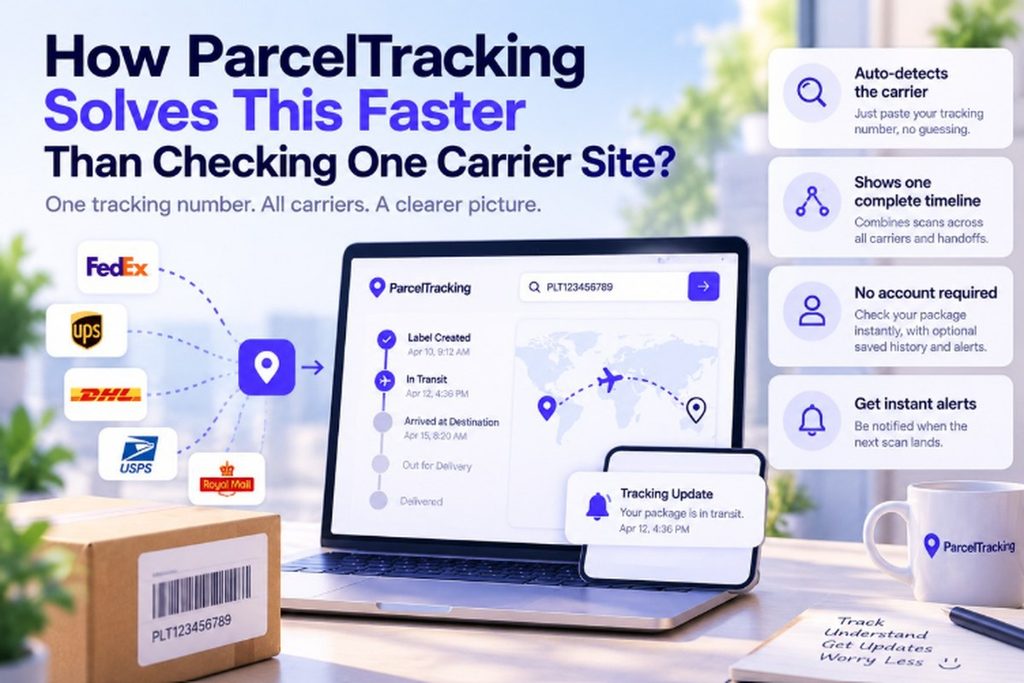
The main problem is figuring out which carrier to check, then bouncing between multiple tracking pages unnecessarily.
- Paste your tracking number once. ParcelTracking automatically detects the carrier from its format, so there is no dropdown or guesswork.
- See one continuous shipment timeline. Scans from origin carriers, international partners, and destination posts appear together, even after handoffs.
- Check status instantly without an account. An account only adds saved tracking history and notifications while basic checking works immediately.
- Get notified when the first scan appears. Optional alerts tell you when the first scan lands, so you can stop refreshing manually.
Paste it into the tracking box at the top of the page to check what appears.
You can return later for alerts without repeatedly opening several different carrier websites yourself each time.
Final Thoughts
A no tracking information found message usually means the carrier has not scanned your package yet, rather than indicating loss. Run the 60-second check first, then contact the seller or carrier only after the stated waiting windows have passed.
Still seeing no tracking information found? Paste your number into ParcelTracking to check the latest status across 3,000+ carriers.
Frequently Asked Questions
- Why does my tracking number say invalid?
A tracking number can show as invalid when characters are mistyped, copied incorrectly, confused with an order number, or entered against the wrong carrier, so compare it carefully with your original shipping confirmation before checking again.
- What does “no tracking information found” mean?
“No tracking information found” usually means the carrier has not recorded a scan for your package yet, so the shipment may still be waiting for pickup, processing, or its first physical scan rather than being lost.
- How long before tracking updates after a label is created?
Tracking often appears within 24–72 hours after a domestic label is created, while international shipments can take longer because cross-border handling, carrier handoffs, weekends, holidays, and processing delays can postpone the first visible scan.
- Can a tracking number be wrong or mistyped?
Yes, a tracking number can be wrong when letters or digits are copied incorrectly, characters are missed, extra spaces are included, or an order reference is mistaken for the actual tracking code, so always compare it with the original shipping confirmation before assuming the shipment has a problem.
- What should I do if my package has no tracking history?
Check the tracking number against your original confirmation, confirm when the label was created, verify that the seller marked your order shipped, and try a multi-carrier tracker before contacting the seller or carrier about missing shipment history.
- Is my package lost if there’s no tracking info?
No, missing tracking information does not automatically mean your package is lost because carriers sometimes receive shipment details before recording the first physical scan, although a prolonged gap beyond the expected delivery window deserves follow-up with the seller or carrier.
- Does “no tracking information found” mean the seller didn’t ship it?
No, this message does not prove the seller failed to ship your package because a label can be created before the carrier records its first physical handling scan, so check the seller’s order status and shipping confirmation before assuming the parcel never left.
- Can I track a package without knowing which carrier it’s with?
Yes, a multi-carrier tracking tool can automatically detect the courier from the tracking number format alone, allowing you to check available shipment information without guessing which carrier operates the package or opening several different tracking websites.
Leave a Reply