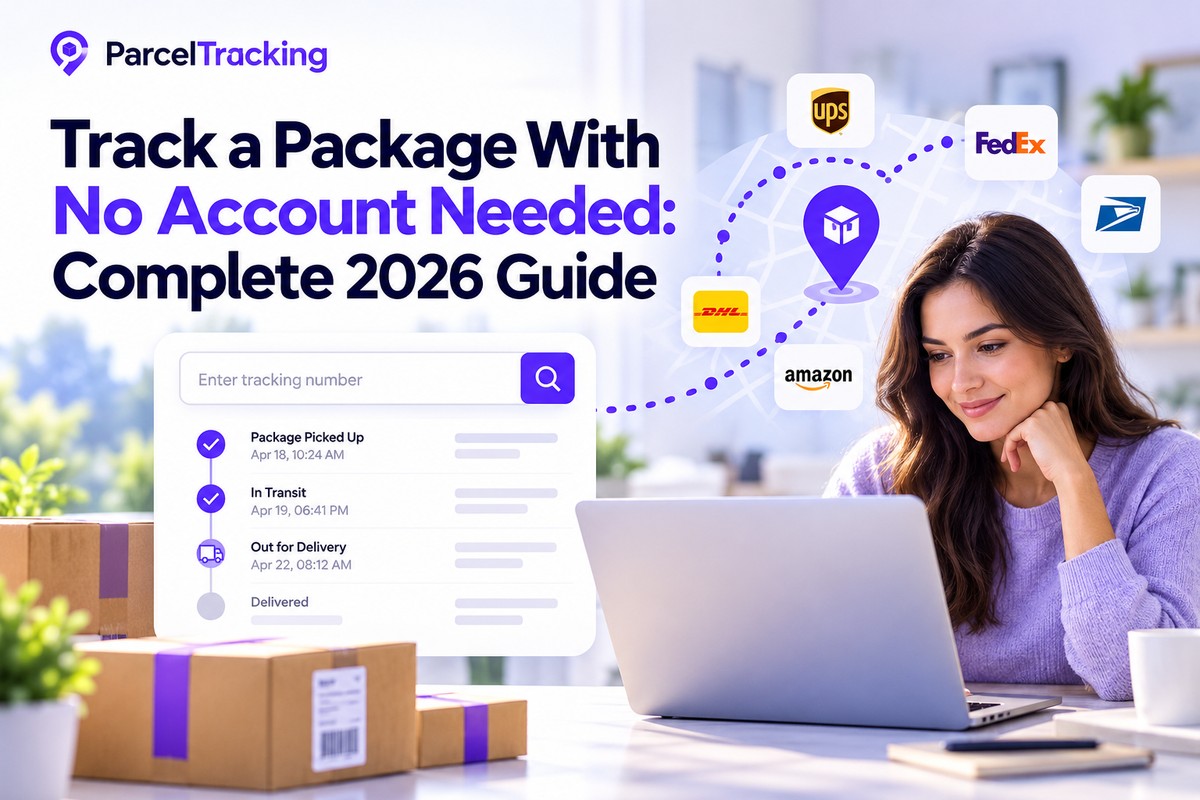
Finding a way to track your package without an account can quickly relieve stress when you are waiting for your shipment. It feels incredibly frustrating when tracking tools demand new passwords before showing basic carrier scan updates.
That signup step is unnecessary for simple tracking because your tracking number already identifies the shipment. You should not have to share extra personal information just to check where your package currently stands.
We will explain how guest package tracking works, when a no signup tracker makes sense, and whether accounts ever help. First, let’s look at why account-free tracking works and what happens when you enter your tracking number.
How Does Package Tracking Work Without an Account or Login?
Yes, you can track a package without an account because the tracking number itself acts as the access credential. You do not need a separate login to request the shipment’s available tracking information.
The carrier generates that number and links it to one specific shipment in its tracking system. Anyone holding the number can query that system, much like using a hotel confirmation code to check a reservation.
An account mainly changes what you can do with tracking information, such as saving tracking history and receiving notifications. It does not usually unlock a separate set of carrier scan data.
Now that you know why account-free tracking works, here’s how to check your package step by step.
How to Guest-Track a Package in Under 10 Seconds?
Guest package tracking takes three quick steps, letting you check your shipment without creating another account.
- Copy your tracking number: Find it in your shipping confirmation email, order receipt, store account, or delivery notification.
- Paste the number into the tracking box: Enter it in the tracking box at the top of the ParcelTracking page, with no login or additional form fields.
- View your package status: ParcelTracking automatically detects the carrier from the tracking number’s format and shows the latest available shipment updates.
| What happens | Why it helps |
| Carrier detection is automatic | You do not need to identify your shipping company before checking your package. |
| 3,000+ carriers are supported | The same tracking process works across a wide range of international and domestic delivery networks. |
| No carrier dropdown comes first | You can paste your number immediately instead of searching through carrier names or guessing the right one. |
| Your number starts the lookup | The tracking number connects the request to the shipment information available from the relevant carrier. |
This approach is especially handy when a seller uses an unfamiliar carrier, your delivery has changed hands, or you simply cannot remember which company received the parcel. You can start with the tracking number you already have and let ParcelTracking handle the carrier identification automatically.
| Quick check | What you need |
| Before tracking | Your shipment’s tracking number |
| Where to enter it | ParcelTracking’s tracking box |
| Account required | No account is needed for the basic tracking lookup |
| Carrier selection | Automatically detected from the tracking number |
Not sure what your tracking status means?
See what common shipping statuses mean and what each update tells you about your package. Understand Tracking Statuses →
Is It Safe to Track a Package Without Logging In?
Yes, guest tracking is safe because checking a shipment only requires its tracking number, not your personal information.
You do not need to submit your name, address, or payment details to check a shipment’s status. The tracking number identifies the parcel within the carrier’s system, allowing its available updates to be retrieved directly.
The privacy model is simple:
- Guest tracking stays anonymous: A tracking session is not tied to your identity or a registered account.
- Saved shipments stay private: Shipments saved through an account are linked only to that account and kept private to it.
- Tracking data is not sold or shared: Tracking without an account is anonymous, and saved shipments are tied to your account alone, never sold or shared.
The one sensible precaution is to avoid unfamiliar tracking sites, since fake parcel pages can use tracking searches to push ads or attempt phishing.
Guest Tracking vs. an Account: What’s the Difference?
The choice is simple: guest tracking covers quick checks, while an account helps when tracking becomes a regular habit.
What guest tracking gives you
- Guest tracking shows the current live status for any tracking number, without requiring an account to access updates.
- One merged timeline follows the shipment across carrier handoffs, including international legs and transfers between delivery networks.
- Tracking starts immediately after you paste a number, so there is zero setup time before checking its latest status.
What an account adds on top
- Saved shipments remain in your history after you close the tab, so you can return without searching for numbers again.
- Proactive notifications alert you when a shipment status changes, instead of making you manually check the tracking page repeatedly.
- A single dashboard brings multiple shipments together, making it easier to monitor more than one or two parcels.
- Inbox sync imports tracking numbers from Gmail or Outlook, and the Chrome extension keeps a tracking panel docked beside your tab.
Most one-off trackers never need an account, while most repeat shoppers eventually find one useful.
When is Guest Tracking Enough?
Guest tracking handles quick checks well, but a few situations make an account or business tool more practical.
- Tracking many shipments at once: A dashboard becomes much easier than juggling separate tabs when you need to monitor several parcels simultaneously.
- Needing instant status alerts: Guest tracking requires you to check back manually, while an account can notify you when something changes.
- Running an online store: The Shopify app helps customers view branded order updates instead of being redirected to individual carrier websites.
- Connecting tracking to business systems: A tracking API can deliver shipment data through your existing systems, while webhooks can trigger actions when tracking events occur.
For everyone else, guest tracking covers it completely.
Can You Track Multiple Packages Without an Account at Once?
Yes, many tracking services let you check multiple packages without creating an account, but the exact process depends on the service. Some allow several tracking numbers to be entered together, while others require you to check shipments individually or impose bulk-tracking limits.
Guest tracking is usually best for quick checks when you do not need to save shipments or receive ongoing alerts. An account can be more useful when you regularly monitor several deliveries and want tracking history, notifications, or a central dashboard.
Tracking several packages can become harder when each shipment is handled by a different carrier. See how to track packages from different carriers in one place and simplify delivery tracking.
Track Your Package Easily With ParcelTracking
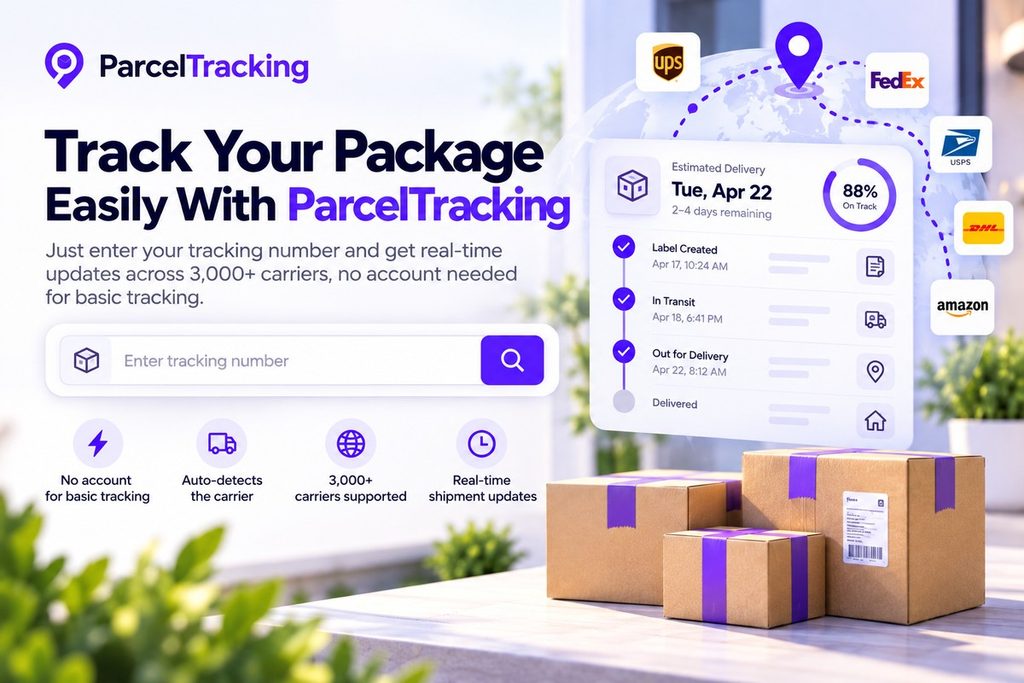
Now that you know you can check a package without creating an account, there is no reason to make tracking harder than it needs to be. ParcelTracking lets you start with the tracking number you already have and check the shipment status in just a few clicks.
Why make it complicated?
- No account for basic tracking: Paste your tracking number and check the available shipment updates directly.
- Automatic carrier detection: ParcelTracking identifies the carrier from your tracking number, so you do not have to search for it manually.
- 3,000+ carriers supported: Track shipments across a wide range of carriers from one convenient tracking page.
- Simple guest tracking: Perfect for checking a single delivery when you just want a quick status update.
Final Thoughts
You do not need to create an account just to check where a package is. With ParcelTracking, you can enter a tracking number and see the latest available shipment updates across thousands of carriers worldwide.
Guest tracking is useful when you need a quick status check, are tracking a single delivery, or do not want to maintain a shipment history. An account becomes more useful when you regularly track multiple shipments and want additional organization or saved tracking information.
If all you have is a tracking number, that is usually enough to start.
Ready to check? Paste your tracking number into the ParcelTracking tracking box and see your shipment status instantly.
Frequently Asked Questions
- Can I track a package without creating an account?
Yes, you can track a package without creating an account by entering its tracking number into a compatible tracking tool. The tracking number identifies the parcel, so available shipment updates appear without requiring a separate username, password, or login first.
- Is it safe to track a package without logging in?
Yes, guest tracking is safe because checking shipment status requires the tracking number rather than your name, address, or payment. The carrier uses that number to identify the shipment, so checking available tracking information does not require additional personal information.
- What’s the difference between guest tracking and a tracking account?
Guest tracking lets you check shipment status without login, while an account adds saved history, notifications, and easier multi-shipment management. The shipment information does not become available only because you sign in, because the account mainly makes tracking more convenient.
- Do I need to sign up to see delivery status?
No, you do not need to sign up to view delivery status when the carrier provides trackable shipment information online. Enter the tracking number into a compatible tracker, and available shipment updates can appear without creating another account first.
- Can I track multiple packages without an account?
Yes, you can track multiple packages without an account by checking each tracking number separately whenever you need an update. Guest lookups can be repeated individually, but those shipments will not remain together as a saved list between separate visits.
- Does guest tracking work for international shipments too?
Yes, guest tracking works for international shipments when the relevant carrier or delivery network is supported by the tracking service. International parcels can pass through several carriers, and the available timeline can follow those handoffs when tracking information is provided.
- Will guest tracking show the same information as a logged-in account?
Yes, guest tracking can show the same available shipment updates as a logged-in account for a single package being tracked. Signing in adds convenience features such as saved shipments, notifications, and a central dashboard rather than unlocking different tracking data.
- Is there a limit to how many times I can guest-track without signing up?
You can check tracking numbers separately as a guest, although some tracking services may impose lookup or bulk-tracking limits.
Leave a Reply