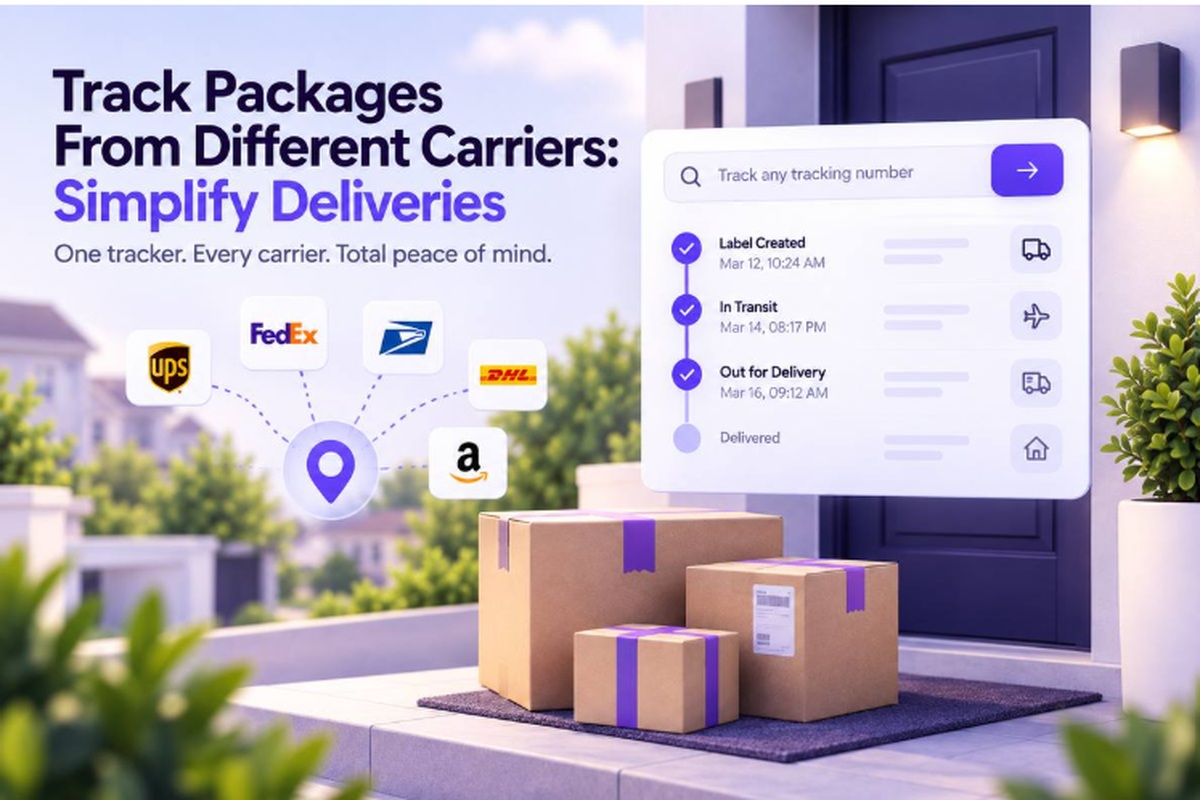
You’ve got a few orders coming, different carriers handling them, and maybe three or four tracking tabs open right now. You just want one simple answer: where is my package?
Instead, one carrier asks for a password, another uses confusing status words, and one app never sends the notification you expected. Suddenly, you’re checking sites again and again, wondering whether your parcel is actually moving.
This guide shows the real ways to track packages from different carriers in one place, without making things complicated. You’ll see how multi-carrier tracking works, what to look for, and how carrier data gets pulled into one view.
Then, we’ll walk through three simple steps to see every shipment in one place today. First, let’s look at why tracking gets so scattered.
Why Tracking Packages From Different Carriers Gets So Hard?
Tracking packages from different carriers gets complicated because each carrier runs its own system, login, status language, and tracking format, with no shared standard.
- Separate tracking systems: Every carrier runs its own system, with no shared login or common tracking format.
- Multiple carrier handoffs: Marketplace orders can move through two or three carriers before reaching your door.
- Different status language: Carriers use different words for the same event, making identical updates look unrelated.
- Separate notifications: Delivery alerts usually live inside each carrier’s own app or website, so missed settings matter.
One shipment, multiple systems: A package can move between international carriers, postal services, and local couriers during delivery.
Confusing updates are normal: Gaps, duplicate scans, or unfamiliar status words do not automatically mean your package stopped moving.
The problem is not you: Global shipping naturally involves multiple carriers, each managing its own tracking information.
What Options Exist for Tracking Multiple Carriers at Once?
There are four realistic ways to track multiple carriers, and each comes with different trade-offs in effort, visibility, and control.
| Method | Best for | Downside |
| Checking each carrier’s site individually | A single shipment | Doesn’t scale past 2-3 packages, with no unified view |
| Email/inbox tracking, scanning confirmation emails manually | Occasional shoppers | Manual, easy to lose track, and provides no live status |
| A spreadsheet with manually entered tracking numbers | Sellers tracking outbound orders | Still requires checking each carrier separately for status |
| A multi-carrier tracking tool | Anyone with more than a couple of active shipments, or international orders | Requires trusting a third party with tracking numbers, though no personal data beyond that is needed |
Checking carrier sites works when you only have one shipment, while inboxes and spreadsheets suit occasional tracking needs. A multi-carrier tool becomes relevant when several active shipments or international handoffs make separate tracking harder to manage.
How Do Multi-Carrier Tracking Tools Actually Work?
Multi-carrier tracking tools connect to carrier data feeds through APIs and pull scan history automatically. That replaces the need to check every carrier site by hand.
The goal is simple: bring separate carrier updates into one place. You follow the shipment instead of hunting for individual updates.
- You provide the tracking number
- Enter it manually, or let an order confirmation email supply it automatically.
- Track your package gives you one place to start. ParcelTracking can also sync tracking numbers from your inbox through Gmail and Outlook order confirmations.
- The tool identifies the carrier.
- It reads the tracking number’s format to identify the carrier.
- Then it requests that shipment’s scan history through the carrier’s data feed.
- A tracking number detector can handle carrier identification without asking you to choose one manually.
- The tool standardizes and combines updates.
- It converts different carrier status labels into consistent updates.
- It then joins every shipment leg into one continuous timeline.
- For unfamiliar terms, a tracking status meaning guide can explain what each update represents.
The normalization step matters because consistent labels make updates easier to understand, regardless of which carrier handles that leg.
What Should You Look for in a Multi-Carrier Tracking Tool?
Not all multi-carrier tracking tools are equal, and five factors separate genuinely useful tools from thin tracking wrappers.
- Carrier coverage: Check whether it supports the carriers you use, including regional and postal services, not only major global names.
- Automatic detection: You should be able to paste a tracking number without selecting a carrier from a dropdown.
- Real ETA: Look for an arrival window, ideally with a confidence indication, rather than another static delivery date.
- Notification control: Choose how often you receive updates, so routine “in transit” messages do not overwhelm you.
- Easy starting: Track a single package instantly without creating an account before you can see its status.
These checks reveal whether a tool actually simplifies multi-carrier tracking or simply collects carrier links in another interface.
ParcelTracking.com combines these criteria with 3,000+ carrier coverage, automatic carrier detection, and a unified tracking view.
Is Multi-Carrier Tracking Different for Shoppers vs Sellers?
Yes, shoppers need purchase visibility, while sellers need outbound monitoring and early warning when shipments start going wrong.
For shoppers:
- One running timeline: Keep every order in one timeline, regardless of which carrier handles each shipment along the way.
- Automatic detection: Paste a tracking number without manually choosing the carrier each time you check another order.
- Useful alerts: Get important delivery changes without being flooded by notifications for every routine scan.
For sellers:
- Earlier problem spotting: See stalled scans, delays, and unusual shipment activity before customers start asking about orders.
- Multiple carriers: Monitor outbound shipments across different carriers from one place instead of checking each carrier separately.
- Customer self-service: Give buyers a direct way to check tracking updates, reducing repetitive “where is my order?” messages.
Can You Track International Shipments Across Carriers Easily?
Yes, international shipments are a strong use case because parcels commonly change carriers before reaching the destination.
What you’ll typically see is:
- Origin carrier: The first tracking updates usually come from the carrier handling collection and export.
- International leg: Cross-border transport or customs partners may handle the parcel before destination processing begins.
- Destination carrier: A local postal service or courier usually takes over the final delivery leg.
A multi-carrier tool should make those handoffs easier to follow by showing:
- Full journey: One timeline covering the shipment across origin, international, customs, and destination legs.
- Customs status: A clear indication when the parcel enters customs, with customs delay checker available when an update raises questions.
- Local details: The destination carrier’s tracking information once the parcel enters its local delivery network.
You can also check every carrier supported when an unfamiliar regional courier appears in your tracking history.
This is where a single carrier website struggles most, because origin tracking often becomes limited after the parcel leaves its network.
How to Track Packages From Different Carriers in Three Steps?
Tracking packages from different carriers takes less than a minute and starts without an account, even with several shipments active.
- Paste your tracking number: Open the tracker and paste any tracking number, regardless of the carrier that issued it.
- You do not need to select a carrier manually, so you can start with the number already in your order.
- Let the tracker identify it: Let the tracker identify the carrier automatically from the tracking number.
- It then pulls the current scan history and status into the tracker.
- Those updates appear together in one timeline you can read at a glance.
- Add your other shipments: Repeat the process for every open shipment you are waiting on.
- For ongoing updates, enable notifications through your account.
- That lets alerts come to you instead of requiring repeated manual checks across separate carrier websites.
The same process works whether your orders involve two carriers or several different carriers across multiple shipments at once.
You repeat the same steps because the carrier does not change the workflow you use to check a shipment.
Start now and track your first package.
Track All Your Packages From Different Carriers with Parcel Tracking
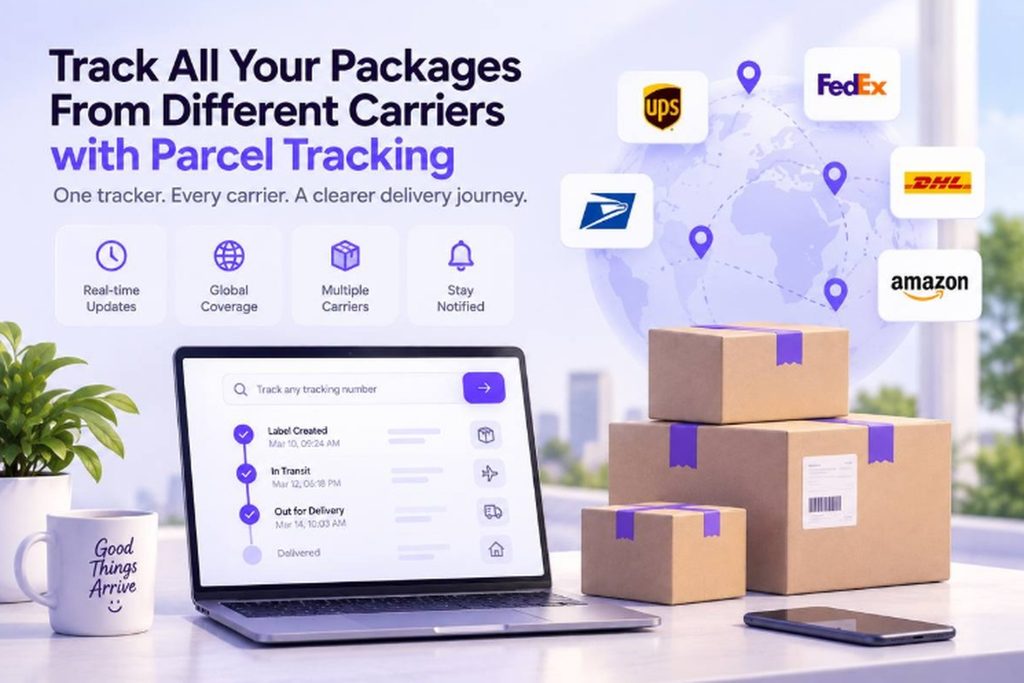
You can bring your active shipments into one place and check where each package stands without jumping between carrier websites.
Here’s what you can do with ParcelTracking when you’re tired of checking one tracking page after another:
- Paste the next tracking number: No carrier selection needed. ParcelTracking detects the carrier automatically.
- See the journey in one timeline: Follow updates across different carriers without opening separate tracking sites.
- Keep every shipment together: Add your other active tracking numbers and check them from the same place.
- Track without signing in: Anonymous tracking is available by default, while an account adds history and notifications.
- Cover international shipments too: ParcelTracking supports 3,000+ carriers worldwide, including postal and cross-border services.
Track your next package in one place
Final Thoughts
Tracking gets complicated because every carrier runs its own system, but that does not mean your shipment is difficult to follow. A multi-carrier tracker brings those separate updates together by normalizing statuses and merging the shipment into one timeline.
When your next tracking number lands in your inbox, paste it into one tracker instead of bookmarking another carrier site. Then add your other open shipments the same way, so you can see their latest status without jumping between tabs.
Start tracking every shipment in one place with ParcelTracking, and keep the next update within easy reach.
FAQs
- Can I track packages from different carriers in one app?
Yes, multi-carrier tracking tools can combine updates from different carriers into one timeline instead of separate carrier websites.
- Is there a free tool to track multiple carriers?
Yes, ParcelTracking lets you track packages without logging in, including shipments handled by different carriers.
- How do I track an international package that changes carriers mid-route?
Use a multi-carrier tracker that combines updates from the origin, international, customs, and destination carriers into one timeline.
- Do I need an account to track packages from multiple carriers?
No, ParcelTracking supports anonymous tracking by default, while an account adds features such as tracking history and notifications.
- What’s the best way to track packages as a small online seller?
A multi-carrier tracker can help sellers monitor outbound shipments across carriers and give customers a self-serve status view.
- Can I track Amazon, AliExpress, or Shein packages in one place?
Yes, you can track marketplace shipments together when the tracking numbers belong to carriers supported by the tracking service.
- Is my tracking data private if I use a third-party tracker?
It depends on the provider. ParcelTracking only uses your tracking number to fetch its status. Tracking without an account is anonymous, and saved shipments stay tied to your account, never sold or shared.
- What happens if a carrier isn’t supported by a tracking tool?
You may need to use that carrier’s own tracking site until the shipment can be tracked through.